TX-RAMP certified, U.S.-hosted
A certified U.S. deployment that public universities, school districts and agencies can approve faster.
SimplyPrint and 3DPrinterOS are both cloud platforms for managing 3D printers. SimplyPrint is popular with makers and print farms. 3DPrinterOS is built for universities, school districts and enterprises that need U.S.-hosted, compliance-ready printing with users, approvals and billing in one place.
14-day free trial. No credit card required.
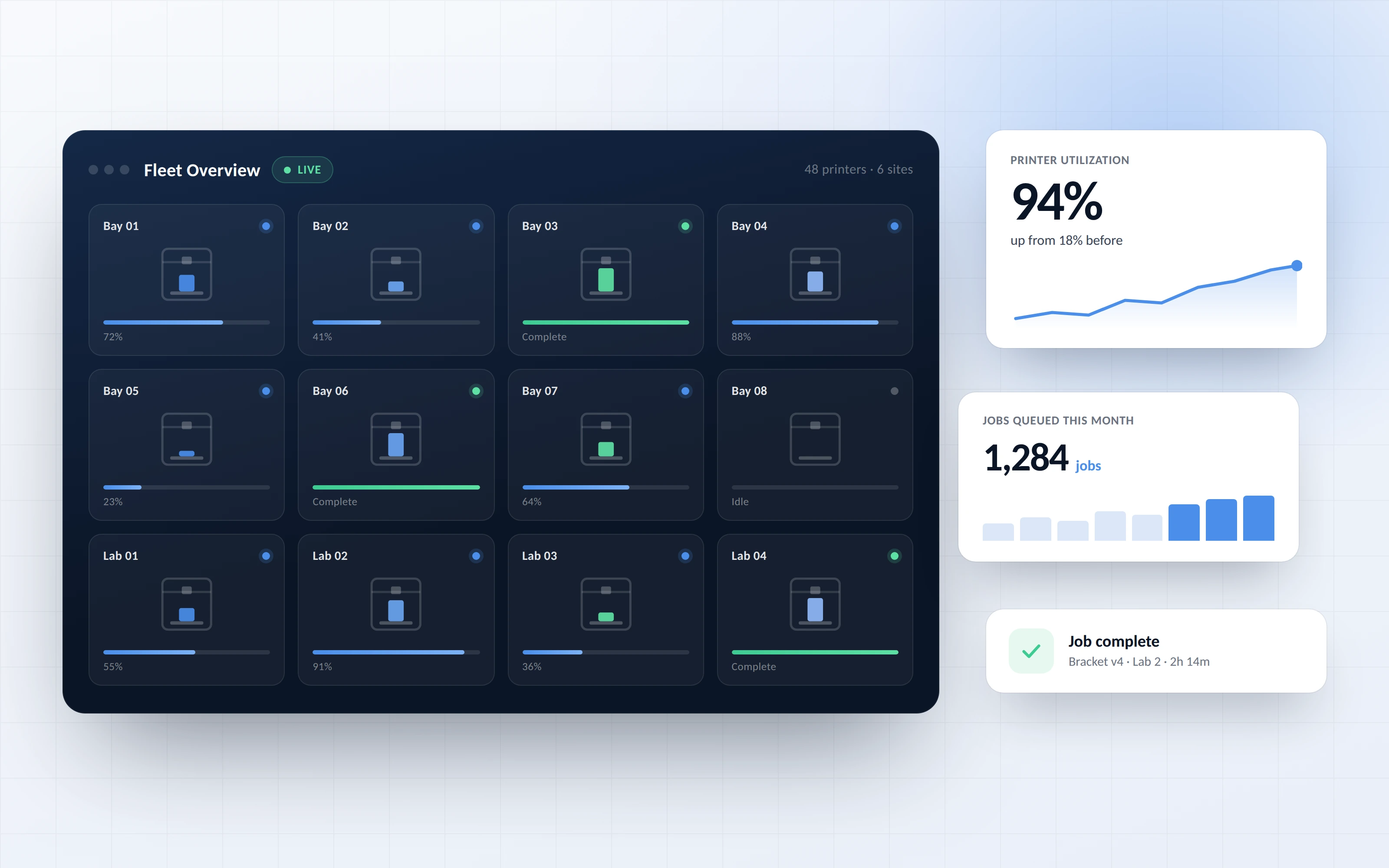


We were able to track individual users, machines and print jobs across the entire network via 3DPrinterOS.
Both platforms cover remote printing, queues and cloud slicing. The difference is how each one fits the security, billing and support needs of large organizations.
A certified U.S. deployment that public universities, school districts and agencies can approve faster.
Run 3DPrinterOS in a private cloud when your data must stay inside your own infrastructure.
Charge users or departments for prints with balances and third-party payment integrations.
Organize users by class, lab or department, and approve jobs before they reach a printer.
APIs, SSO and custom integrations tailored to how your organization already works.
Setup help and ongoing support for IT teams, lab managers and educators.
Filter by category or switch on "Show only differences" to see where the two platforms really differ.
| Feature | SimplyPrint | 3DPrinterOS |
|---|---|---|
| Cloud dashboard in any web browser | ✓ | ✓ |
| Mixed-brand printer fleetsBoth support Bambu Lab, Prusa, Creality, Klipper and more | ✓ | ✓ |
| Shared print queue | ✓ | ✓ |
| Live monitoring and AI failure detection | ✓ | ✓ |
| Usage and material reporting | ✓ | ✓ |
| Roles, groups and permissions | ✓ | ✓ |
| Print job approvalsOn SimplyPrint School and Enterprise plans | ✓ | ✓ |
| Single sign-onOn SimplyPrint School and Enterprise plans | ✓ | ✓ |
| Print quotas and user balances | ✓ | ✓ |
| Charge users through payment integrationsSimplyPrint balances are topped up by staff or via its API | ~ | ✓ |
| Slice in the browser | ✓ | ✓ |
| TinkerCAD integration | ✓ | ✓ |
| Shared file library | ✓ | ✓ |
| Default data hosting | EU data centres | United States |
| TX-RAMP certified deployment | – | ✓ |
| Private cloud or self-hosted optionSimplyPrint scopes self-hosting for select Enterprise customers by agreement | ~ | ✓ |
| REST API and integrations | ✓ | ✓ |
Showing 17 of 17 features
Based on SimplyPrint's publicly listed features, reviewed November 2026. Features can vary by plan; check current details with each provider.
Pick the option closest to you and see our honest recommendation.
For a hobbyist with a printer or two, SimplyPrint's free and low-cost plans are a solid choice. Try 3DPrinterOS if you want to share printers with others later.
Both platforms route jobs across a fleet. Choose 3DPrinterOS if your farm serves internal teams that need approvals, cost tracking and billing.
3DPrinterOS runs labs, libraries and makerspaces at hundreds of institutions, with U.S. hosting and TX-RAMP certification that procurement teams ask for.
3DPrinterOS gives engineering teams secure printing across sites, with private cloud deployment and custom integrations for your existing systems.
Your printers stay as they are. 3DPrinterOS supports 200+ models across the major brands.
Connect printers through the 3DPrinterOS client or a Raspberry Pi, then upload your STL, 3MF or G-code files.
Add workgroups, set permissions and approvals, and connect single sign-on.
Connect your printer to 3DPrinterOS once and manage it from any browser.
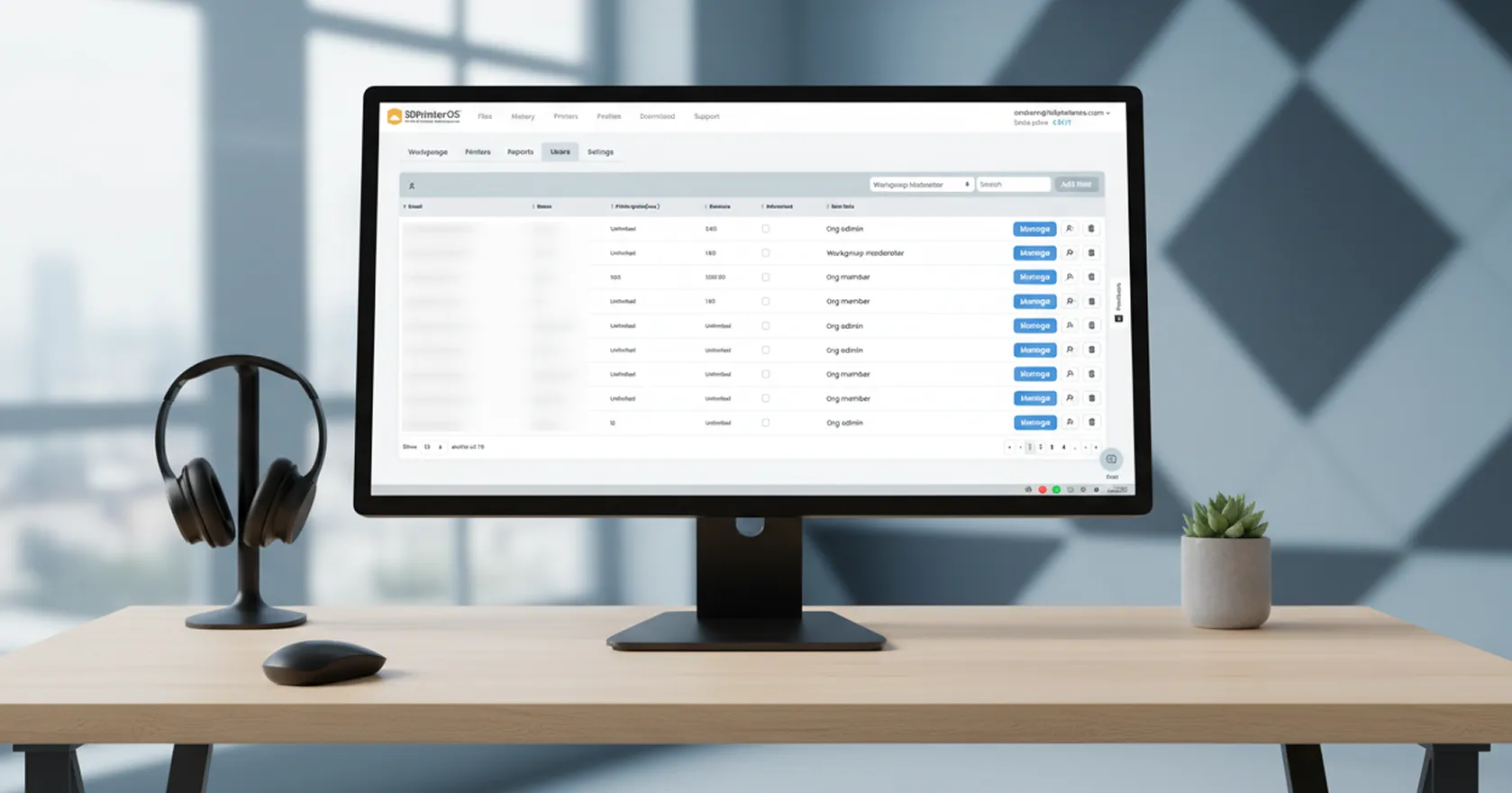
Give each class, lab or team access to the right printers, approve jobs before they print and set balances so everyone gets a fair turn.
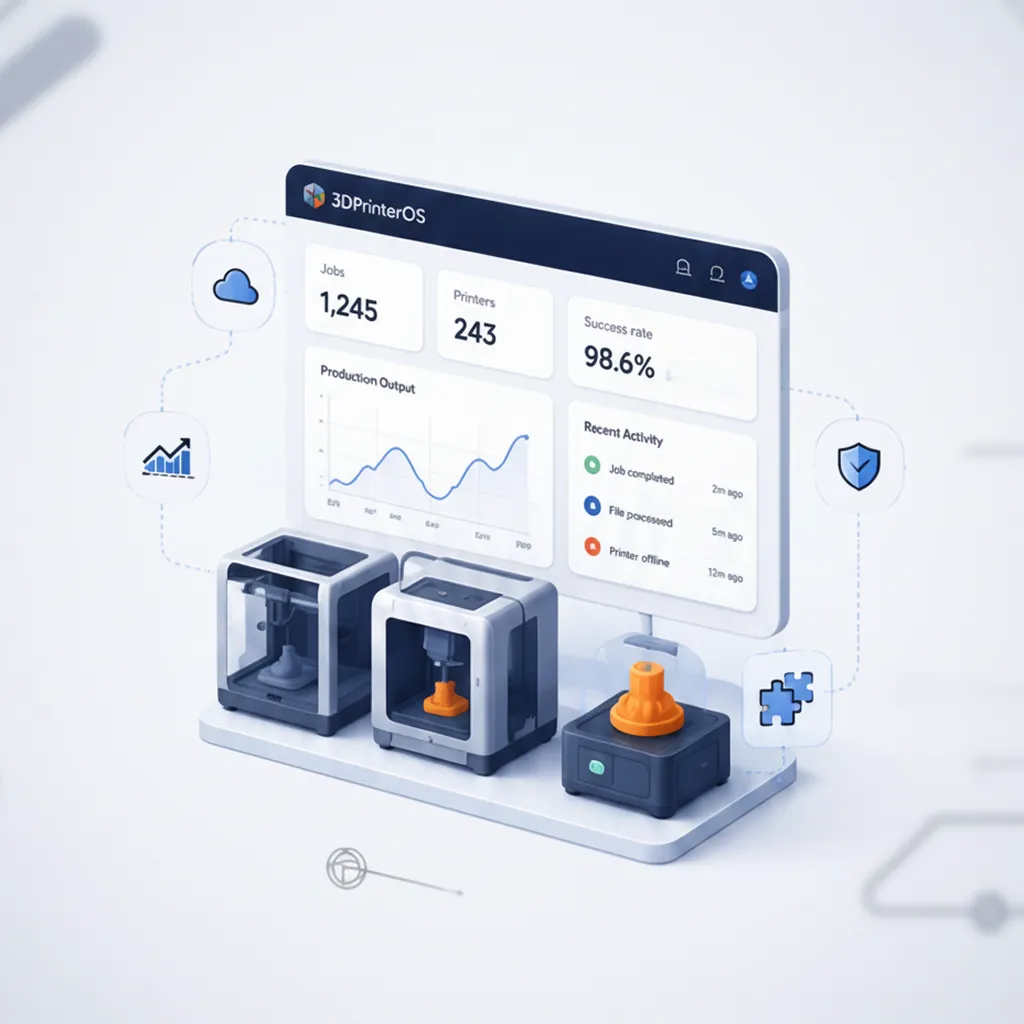
Track usage, success rates and material costs across the fleet, and use the numbers to plan budgets and new equipment.
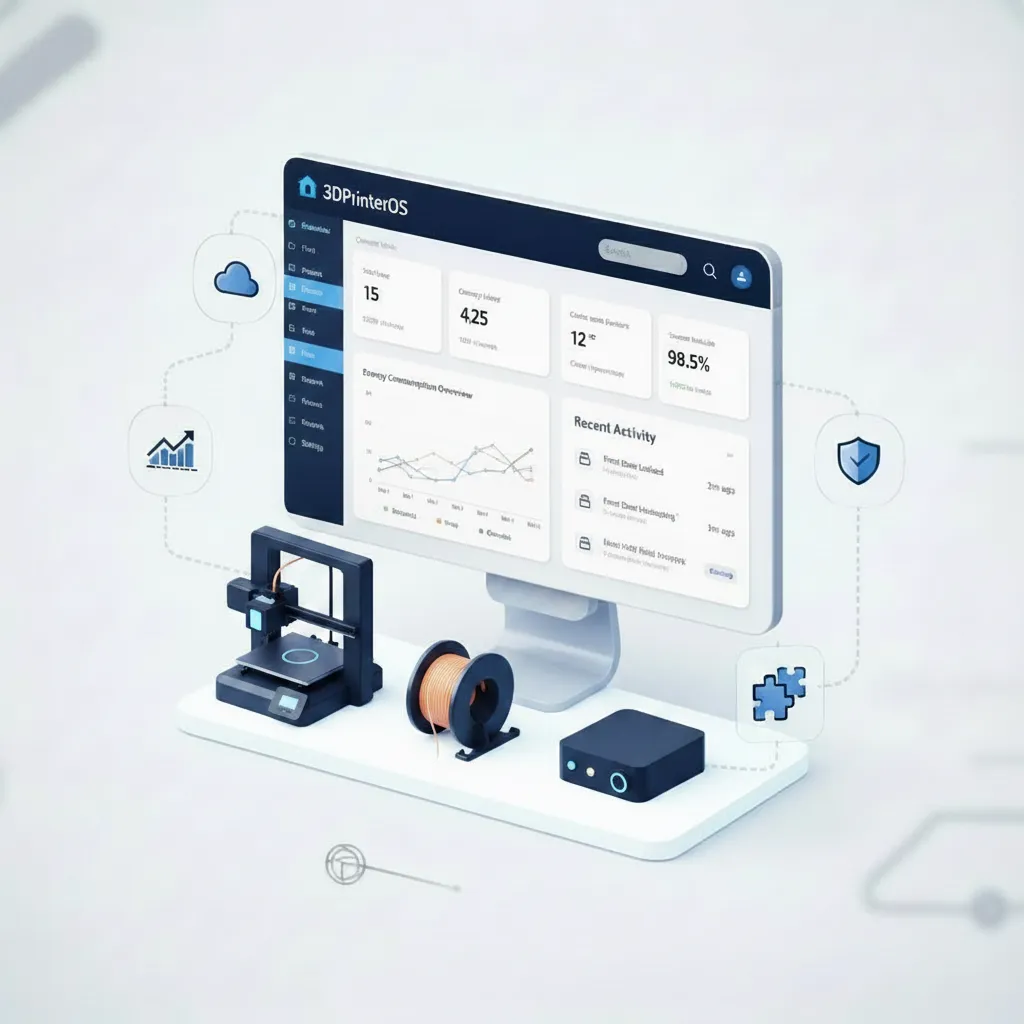
Choose a TX-RAMP certified U.S. deployment or a private cloud, with encrypted connections and SSO through your identity provider.
Click through queues, activity tracking and print limits, right in your browser.
Universities run shared makerspaces with approvals, balances and usage data.
Higher education →Schools give every student secure, browser-based access.
K-12 schools →Print farms route jobs across dozens of printers automatically.
Print farm management →Engineering teams print securely across sites.
Enterprise →Both are cloud platforms for managing 3D printers, with queues, cloud slicing, user roles and monitoring. SimplyPrint is popular with makers and print farms and hosts data in the EU. 3DPrinterOS focuses on universities, school districts and enterprises, with TX-RAMP certified U.S. hosting, private cloud deployment, billing integrations and custom development.
3DPrinterOS is a strong SimplyPrint alternative for schools and universities. It manages shared printers across classrooms, labs, libraries and makerspaces with workgroups, approvals, user balances, single sign-on and usage reporting.
Yes. 3DPrinterOS manages printers, users, files, permissions, queues and job activity from one dashboard. It supports mixed fleets of 200+ printer models, multiple teams and sites, private cloud deployment and custom integrations.
Yes. 3DPrinterOS offers a TX-RAMP certified deployment hosted in the United States, and a private cloud option for organizations that need data inside their own infrastructure.
Yes. 3DPrinterOS supports user balances, print billing and third-party payment integrations, so you can charge users or departments for each print.
Yes. You can try 3DPrinterOS free for 14 days, with no credit card required.
See how 3DPrinterOS runs printing for your campus or company from one dashboard.

Utilisé par l'enseignement supérieur, les entreprises et les OEM pour gérer imprimantes, fichiers et utilisateurs depuis une plateforme cloud unique

Contrôlez les accès, les utilisateurs et les droits d'impression par équipe ou par laboratoire
« Cette étroite collaboration a permis à Koenigsegg d'adapter la plateforme à ses besoins spécifiques, pour aboutir à un système optimisé et simple d'utilisation pour la gestion de ses imprimantes 3D. »

Chef d'équipe
Koenigsegg Automotive AB
Réservez dès maintenant votre évaluation personnalisée et profitez de votre essai gratuit.
Utilisé par l'enseignement supérieur, les entreprises et les OEM pour gérer imprimantes, fichiers et utilisateurs depuis une plateforme cloud unique
Contrôlez les accès, les utilisateurs et les droits d'impression par équipe ou par laboratoire
« Cette étroite collaboration a permis à Koenigsegg d'adapter la plateforme à ses besoins spécifiques, pour aboutir à un système optimisé et simple d'utilisation pour la gestion de ses imprimantes 3D. »
Chef d'équipe
Koenigsegg Automotive AB
Réservez dès maintenant votre évaluation personnalisée et profitez de votre essai gratuit.

