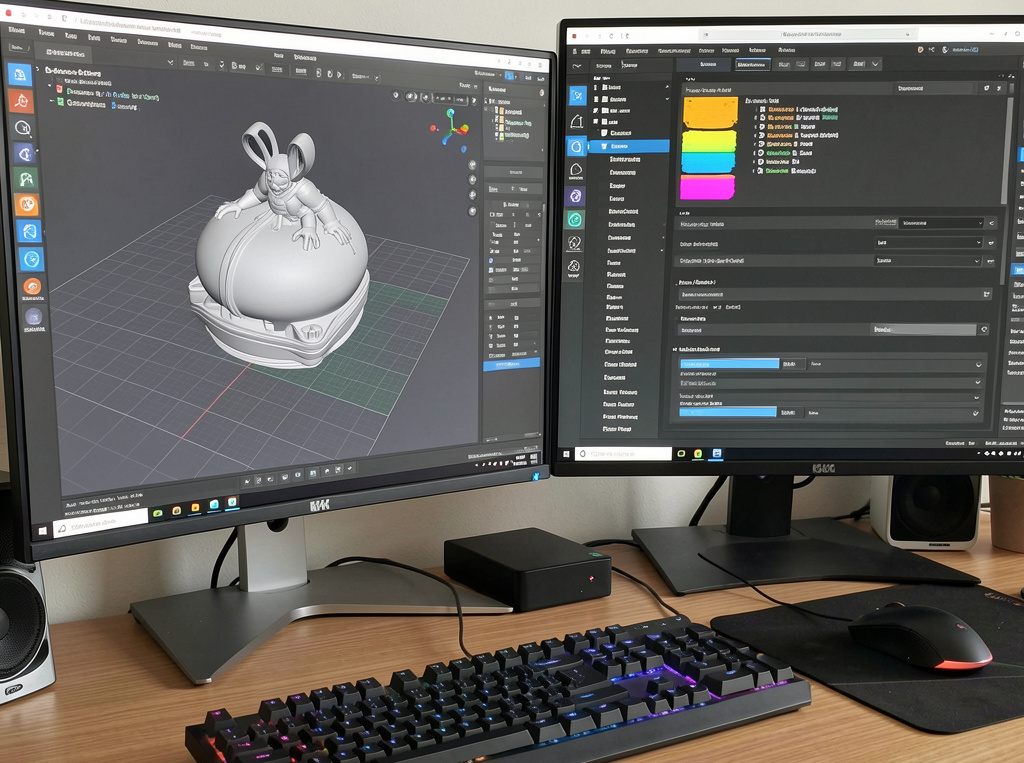



Why do 3D prints fail even when the printer seems perfectly calibrated? Many failed builds, warped layers, and tangled filament messes trace back to a single overlooked factor: 3D printer slicer software settings. Hardware often gets the blame, but software configuration usually controls the outcome.
Every successful print begins long before extrusion starts. The 3D slicer converts a digital model into machine instructions. Those instructions determine temperature, speed, layer structure, and support generation. Even minor misconfigurations in 3D printing slicing software can turn a solid design into a failed print.
People Also Ask
1. How does 3D printer slicer software affect print quality?
3D printer slicer software controls layer height, temperature, speed, and structural parameters. Incorrect settings reduce adhesion, cause warping, and weaken parts. Proper configuration ensures dimensional accuracy and mechanical strength.
2. Why does a 3D slicer cause stringing in prints?
Stringing occurs when retraction settings, temperature, or travel speed are misconfigured in the 3D slicer. Adjusting retraction distance and nozzle temperature reduces filament leakage during movement.
What Is 3D Printer Slicer Software and Why It Matters
3D printer slicer software transforms STL or CAD files into G-code. This code directs the printer’s motion, extrusion rate, and layer sequence. Without accurate slicing parameters, even a well-designed model cannot print correctly.
A 3D slicer defines layer thickness, filament extrusion rate, and internal structure formation. Precision at this stage determines surface finish, dimensional accuracy, and mechanical strength. Poor slicing decisions can lead to weak bonding, overextrusion, or structural gaps.
1. Incorrect Layer Height Settings and Print Instability
Layer height directly affects adhesion and stability. If layers are too thick, bonding weakens. If layers are too thin, print time increases, and overheating may occur.
Improper layer height also impacts dimensional tolerance. Industrial environments that require repeatable accuracy must calibrate layer settings carefully in 3D Slicer to maintain structural integrity and surface consistency.
2. Temperature Misconfiguration and Extrusion Problems
Temperature settings control how filament flows and bonds. Too low, and under-extrusion appears. Too high, and stringing, sagging, or surface defects occur.
Different materials require precise heat ranges. PLA, ABS, PETG, and specialty polymers respond differently. A reliable 3D printer slicer software profile ensures proper nozzle and bed temperatures for stable extrusion and consistent adhesion.
3. Retraction Settings and Stringing Failures
Retraction pulls the filament back during travel moves. Incorrect retraction distance or speed causes stringing between print sections.
When retraction is insufficient, thin strands form across open areas. When excessive, clogs or grinding may develop. Fine-tuning these parameters within a 3D slicer reduces material waste and improves finish quality.
4. Infill, Wall Thickness, and Structural Weakness
Infill density determines internal strength. Low infill may reduce material usage but compromise load-bearing capability. Wall thickness also impacts durability.
Balancing infill percentage and perimeter walls within 3D printer slicer software ensures structural reliability without unnecessary material consumption. Engineering applications often require reinforced internal geometry to meet functional requirements.
5. Print Speed and Cooling: The Hidden Performance Killers
Excessive print speed reduces interlayer bonding time. Insufficient cooling causes deformation, particularly in overhangs.
Cooling fans, speed adjustments, and acceleration settings inside a 3D slicer significantly influence surface finish and part stability. Balanced parameters prevent warping and inconsistent layering.
6. Poor Support Generation Settings
Complex geometries require accurate support placement. Weak supports cause collapse. Excessive supports waste material and complicates removal.
Modern 3D printing slicing software allows customization of support density, pattern, and interface layers. Proper configuration improves print reliability while simplifying post-processing.
How to Optimize 3D Printer Slicer Software Settings
Optimization begins with standardized profiles. Testing temperature towers, retraction calibration prints, and flow rate adjustments improves predictability.
Cloud-based management platforms such as 3DPrinterOS help centralize slicing profiles, control user permissions, and monitor performance across multiple printers. This structured approach reduces configuration errors and increases print success rates in educational labs and enterprise environments.
Also read: The Complete Guide to 3D Printer Software: Design, Slicing, Control, and Management Explained
Your Slicer Settings Determine Success
Most 3D print failures stem from misconfigured slicing parameters rather than mechanical defects. Layer height, temperature, retraction, infill, speed, cooling, and support settings collectively determine the quality of the outcome.
Structured control over these variables transforms unreliable printing into repeatable production. Centralized management through 3DPrinterOS enhances oversight, improves workflow efficiency, and minimizes costly errors. Smarter configuration of 3D printing slicing software leads to stronger parts, fewer failures, and greater operational consistency.
Start optimizing print performance with 3DPrinterOS. Contact us today.