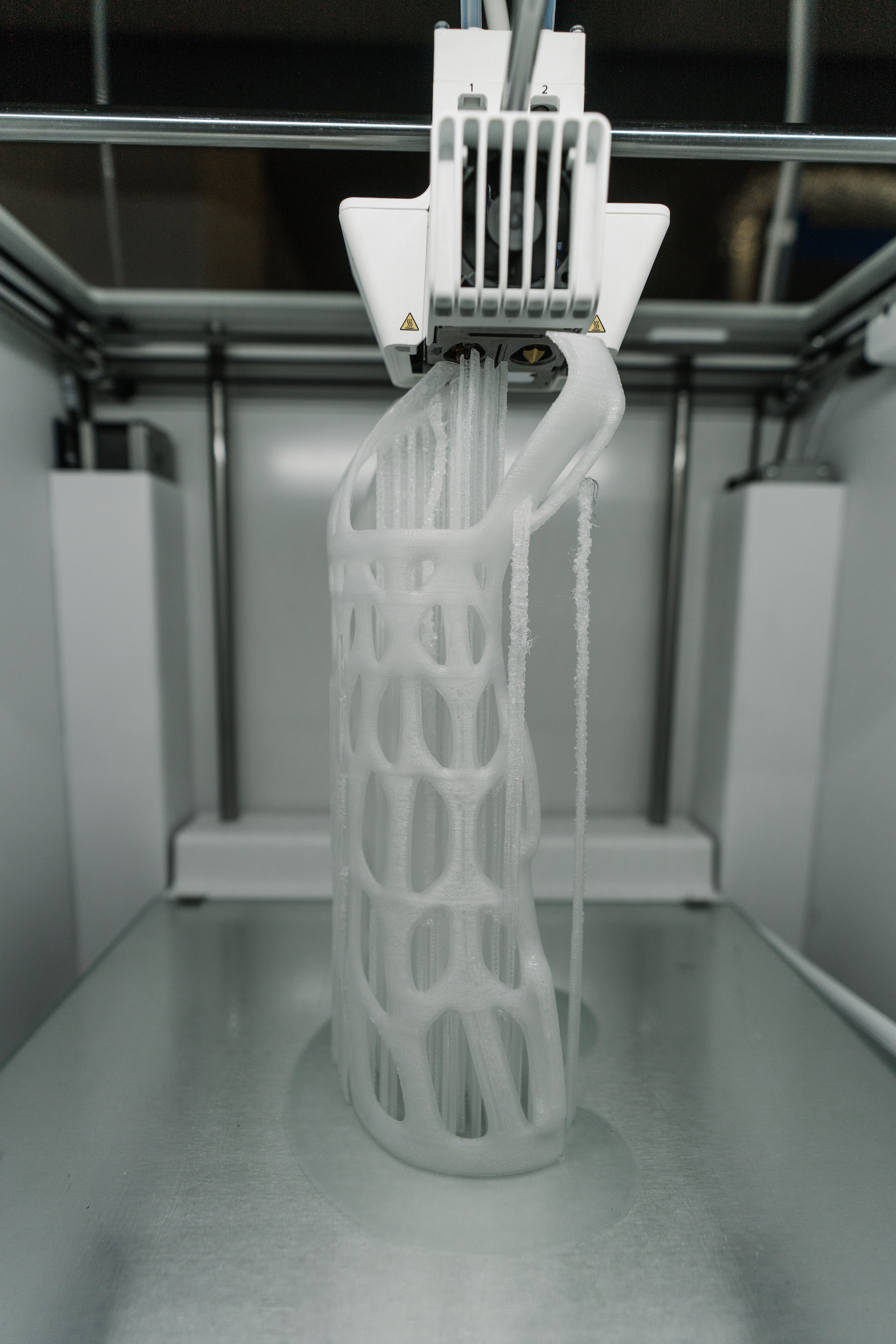

Can 3D printing work without standing near the printer? With remote printing, it can. Schools, businesses, and service providers are shifting toward remote access models to reduce downtime and streamline workflows.
Managing print jobs across labs or locations no longer requires on-site supervision. Remote 3D printing enables teams to track, manage, and control printers via cloud platforms, ensuring operations continue uninterrupted, regardless of the user's location.
The Value of Remote Access
Remote access brings more than convenience. It delivers control, accountability, and real-time insight. With a 3D printer remote control, teams can monitor progress, fix issues, and manage print queues—even across different floors, departments, or campuses.
Queue management becomes efficient. No more waiting for one job to end before the next can be assigned. Admins and staff can prioritize prints based on urgency, project type, or material use—all from a web interface.
Where DIY Falls Short
Basic webcam setups or file-transfer tools often seem like an easy way to enable remote control access of a 3D printer. But DIY methods usually lack the essentials—user management, permissions, failure detection, and logging.
These setups often leave no audit trail. Users can't track who printed what, when, or how much material was used. If something goes wrong, there’s no recovery path. For schools and businesses managing dozens of users, this becomes a major risk.
How 3D Printer OS Solves It
3D Printer OS offers full remote 3D printing control in one browser-based platform. Users can upload files, slice models in the cloud, assign jobs to printers, and monitor progress in real time, without installing anything.
Admins can control access per user or department, assign quotas, and view print history. Built-in features include webcam monitoring, job status tracking, and automated failure alerts. The platform also integrates with billing systems, design tools, and third-party slicers, making it ideal for busy teams.
Who Benefits Most from Remote Printing?
- IT administrators managing print labs across departments or districts
- Universities running multi-campus print networks with shared equipment
- Service bureaus handling large queues from clients and internal staff
Each of these teams needs reliable access to printers without the overhead of constant manual oversight. Remote control provides that flexibility.
Reliable Printing Starts with the Right Tools
A strong remote printing setup saves time, reduces waste, and improves printer usage. Whether managing five printers or fifty, the right tools make a measurable difference.
3D Printer OS delivers all-in-one control for modern teams that rely on 3D printing to get real work done.
Take control from anywhere—start with 3D Printer OS today.