
The Complete Guide to 3D Printer Software: Design, Slicing, Control, and Management Explained
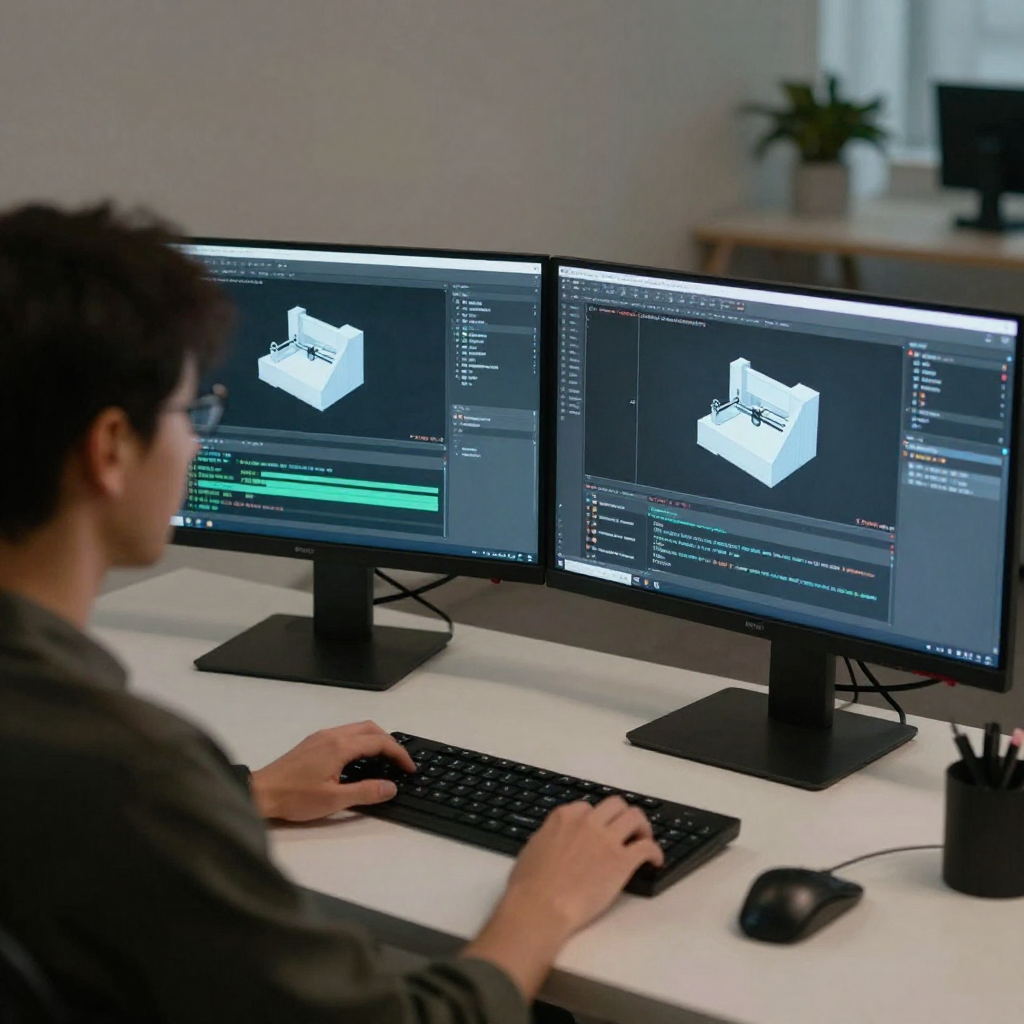




A well-built machine can still fail without the right digital tools guiding every step of the process. From the first sketch to a finished part, 3D printer software determines how designs translate into physical results. Printing quality, reliability, scalability, and security all depend on how well software components work together.
Modern additive manufacturing relies on more than a single application. Design tools, slicers, control interfaces, and management platforms each play a distinct role. Understanding how these layers connect helps organizations avoid failed prints, workflow bottlenecks, and costly downtime.
Most workflows require design software, slicer software, printer control tools, and management platforms for multi-printer environments.
Single tools rarely cover design, slicing, control, and scaling needs effectively. Integrated stacks deliver better results.
Four software layers, one connected workflow
The 3D printer software ecosystem includes four primary categories: design, slicing, printer control, and fleet management. Each layer addresses a specific stage of the printing lifecycle, yet none operate effectively in isolation.
When these tools remain disconnected, inefficiencies appear quickly. Files are moved manually. Settings drift. Visibility drops. A cohesive software stack removes friction and creates predictable outcomes across printers, users, and locations.
Turning ideas into printable geometry
Design software defines part geometry before printing begins. These tools generate digital models that later become machine instructions. Some platforms focus on parametric design, while others prioritize mesh-based workflows.
3D design software for 3D printer use cases demands more than visual accuracy. Models must remain watertight, structurally valid, and compatible with additive processes. Designs that ignore print behavior often fail during slicing or production.
Why additive manufacturing needs a different mindset
Traditional CAD tools assume subtractive manufacturing. 3D printing builds parts layer by layer, introducing new constraints such as overhang limits, minimum wall thicknesses, and anisotropic strength.
Design-for-print workflows consider orientation, material behavior, and support strategy from the start. This approach reduces redesign cycles and improves first-pass success rates.
From geometry to G-code
Slicer software converts 3D models into machine-readable instructions. It determines how each layer prints, how material flows, and how the printer moves.
Every decision made during slicing directly affects print time, surface quality, strength, and reliability. Even strong designs can fail if slicing parameters remain misaligned with the printer or material.
Small adjustments, big consequences
Layer height controls resolution and strength. Infill density impacts weight and durability. Print speed influences bonding and surface finish. Temperature settings affect adhesion and material flow.
Effective slicers surface these settings clearly and allow controlled experimentation without guesswork.
When prints fail before they even start
Improper slicing leads to stringing, weak layers, warped parts, and incomplete prints. Many failures blamed on hardware are caused by slicing misconfigurations.
Consistent slicing profiles and controlled access help teams maintain repeatable results across operators and printers.
The interface between software and hardware
Printer control software manages job execution. It handles file uploads, start and stop commands, temperature monitoring, and real-time status updates.
Without reliable control software, operators lose visibility into print progress, errors, and machine health.
On-site access or distributed oversight
Local control works well for single printers or personal use. As environments grow, remote control becomes essential. Distributed teams need visibility without physical presence.
Remote control software enables job submission, monitoring, and intervention from anywhere, reducing idle time and manual oversight.
Where operations become systems
Managing multiple printers introduces complexity. Scheduling conflicts, user permissions, file versioning, and usage tracking all become operational concerns.
3D printer software at the management layer brings order to scale. It centralizes control while maintaining consistency across devices and locations.
Built for reliability and growth
Modern platforms offer centralized dashboards, role-based access, print queues, usage analytics, and failure detection. These features reduce operator dependency and improve uptime.
Management software also supports collaboration across teams without compromising control.
Deployment models with different trade-offs
Cloud-based systems offer rapid deployment, remote access, and automatic updates. On-premise solutions provide greater internal control and data residency options.
The right choice depends on organizational requirements, security policies, and infrastructure capabilities. Many environments benefit from flexible deployment options.
One stack, many environments
Education labs prioritize ease of access and queue management. Enterprises focus on security, traceability, and scalability. Service bureaus require throughput optimization and customer separation.
A flexible software stack adapts to these needs without forcing one-size-fits-all workflows.
Protecting designs and operations
3D printing often involves sensitive intellectual property. Software must control who uploads files, who prints them, and where data resides.
Encryption, access control, audit logs, and secure authentication help prevent leaks and unauthorized use.
Fewer handoffs, better outcomes
Disconnected tools create delays and errors. Integrated platforms link design, slicing, control, and management into a single workflow.
This integration reduces manual steps, improves consistency, and enables data-driven optimization across the printing process.
Avoiding costly misalignment
Focusing only on slicers while ignoring management needs limits scalability. Choosing tools without security considerations introduces risk. Relying on manual workflows increases error rates.
A holistic view prevents short-term decisions from creating long-term constraints.
Aligning tools with goals
Effective software selection starts with understanding print volume, user roles, security needs, and growth plans. Compatibility across hardware brands and deployment environments also matters.
A modular yet connected stack supports current needs while leaving room for expansion.
Automation, intelligence, and scale
Software continues to move toward automation, predictive monitoring, and centralized control. Platforms increasingly support larger fleets, distributed teams, and complex workflows.
As printing shifts from prototyping to production, software becomes the primary driver of efficiency and reliability.
To know more about the features of modern print monitoring software, read our blog here.
Hardware enables printing, but software defines performance. From design to slicing, control, and management, each layer shapes outcomes. A disconnected toolset introduces friction, while an integrated approach creates predictability and scale.
3DPrinterOS brings these layers together into a unified platform designed for modern additive manufacturing environments. By connecting design workflows, printer control, and fleet management, it supports consistent results across teams and locations. Choosing the right 3D printer design software stack is no longer optional—it is foundational.
Start building reliable, scalable 3D printing workflows with 3DPrinterOS. Contact us today.

Used by higher education, enterprises, and OEMs to manage printers, files, and users from a single, cloud-based platform

Control access, users, and print permissions by team or lab
“This close collaboration has enabled Koenigsegg to tailor the platform to their specific needs, resulting in an optimized and user-friendly system for managing their 3D printers.”

Team Leader
Koenigsegg Automotive AB
Join us today and become one of our partners




.jpg)
