


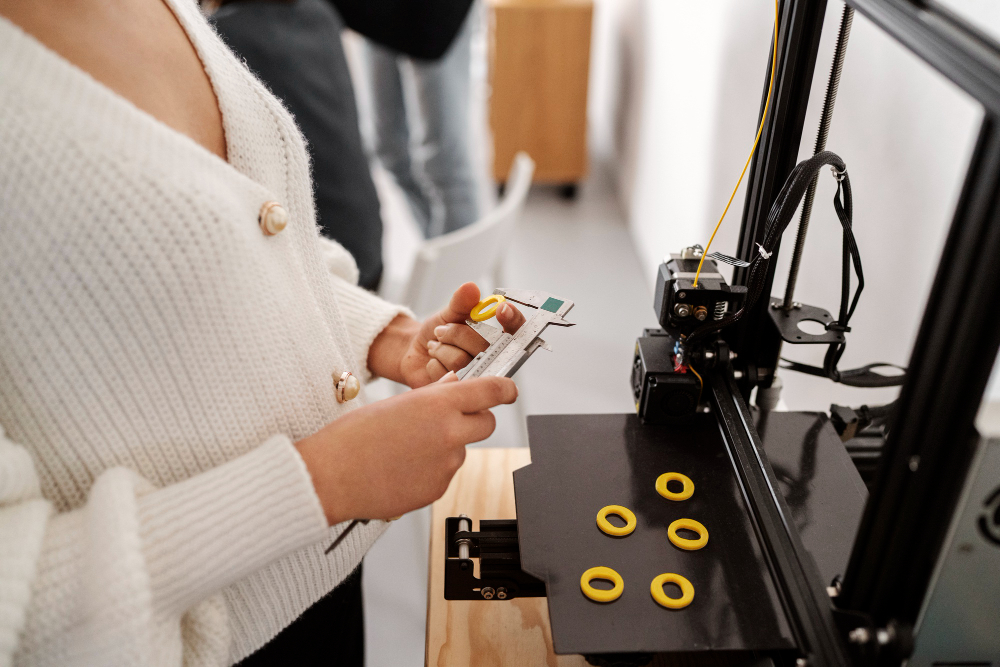


Prusa printers are reliable and widely used, but managing multiple printers manually can be time-consuming. 3DPrinterOS provides a centralized platform to connect all your Prusas, monitor their status, manage queues, and optimize printing workflows in one place.
Connecting Multiple Prusa Printers
- Install the 3DPrinterOS Client on a local host such as a PC or Raspberry Pi.
- Connect each printer via USB hubs to maximize port usage.
- Add the printers through the Add Printer option. Bulk additions save time.
All printers will appear on the Printers Page with real-time status and queue information.
Queue and Print Job Management
Multiple printers need smart queue controls. You can view queued jobs, estimated print times, and move jobs between printers if one finishes early. Queues can also be disabled temporarily for maintenance or troubleshooting. This ensures all printers are used efficiently without conflicts.
User Roles and Permissions
Assigning the correct access levels is essential even for small teams. Regular Users can submit jobs and monitor progress, Advanced Users have additional workflow control, and Admins have full oversight of the printer fleet. Quotas can be applied to prevent any single user from monopolizing printing time. Learn more about user types here and balance tracking here.
Best Practices for Prusa Fleet Efficiency
- Use USB hubs to connect multiple printers to a single controller.
- Name printers clearly for easy identification.
- Use workgroups to segment printers by project or team.
- Monitor live camera feeds and status from the Printers Page.
- Enable AutoQueue Printing to automatically assign jobs to idle printers where available.
Conclusion
Managing multiple Prusa printers becomes much easier with 3DPrinterOS. The platform provides a standardized setup, centralized monitoring, user permissions, and queue management, ensuring high throughput and organized operations for any print farm size.
Explore helpful resources:


